Meta Creator Marketing Hub: how to turn creator posts into sales
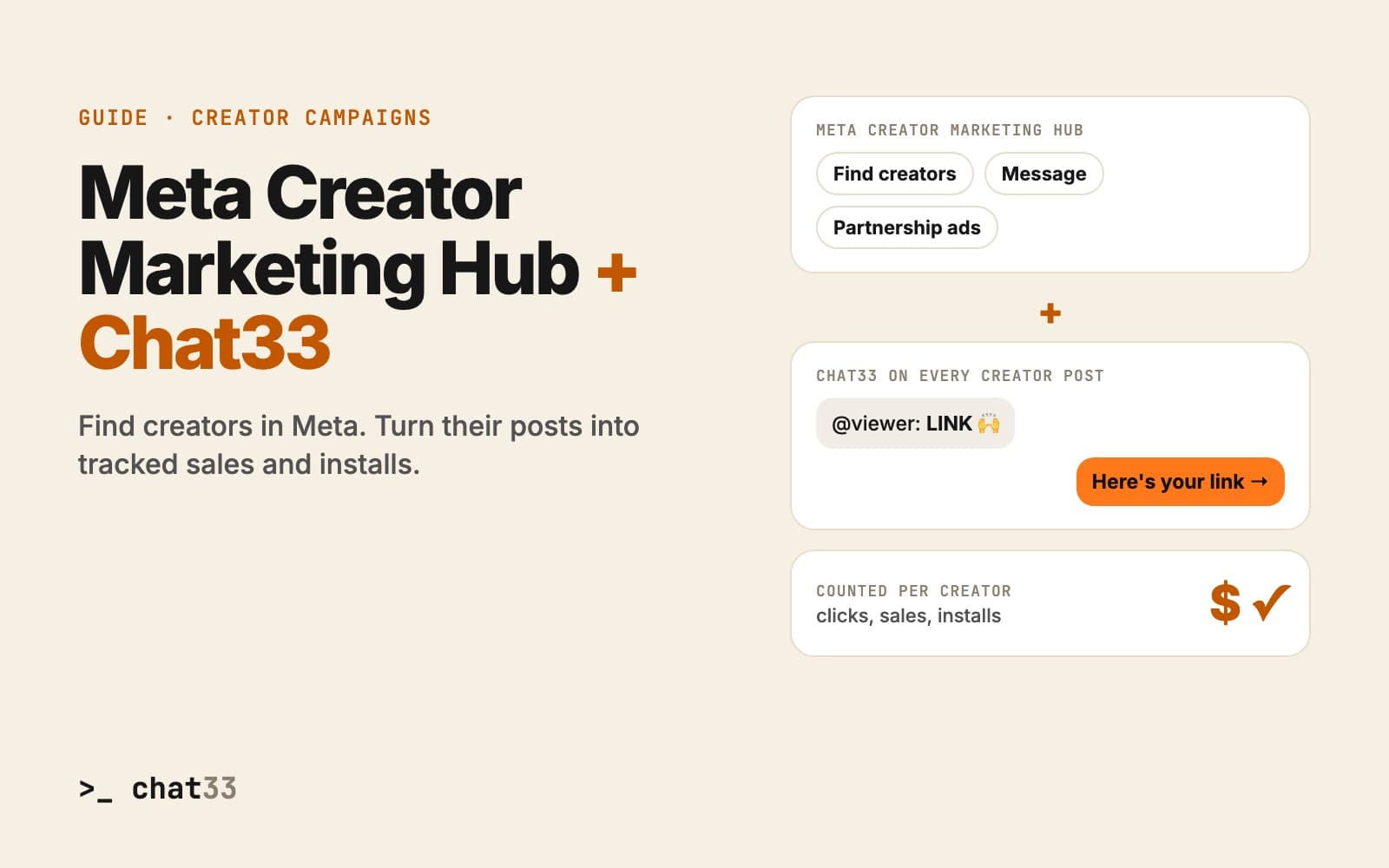
Meta now has one place for brands that work with creators: the Creator Marketing Hub. It brings together what used to be the Instagram Creator Marketplace and the Partnership Ads Hub, and it adds Facebook creators to the mix.
It is a big step for creator campaigns on Instagram and Facebook. It helps you find creators, talk to them and boost their posts. What it does not tell you is how much each creator actually sold.
This guide covers what the Creator Marketing Hub does, where it stops, and how to connect it with Chat33 so every creator post turns comments into tracked sales or app installs.
What is the Meta Creator Marketing Hub?
The Creator Marketing Hub lives in Meta's business tools. In one place, a brand can:
- Find creators on Instagram and Facebook. Millions of Instagram creators can be found through it, filtered by things like audience and niche.
- Run campaigns creators apply to. A campaign describes what you are looking for. It can be public, so creators find it and apply on Instagram, or private, so only creators you invite see it.
- Message creators and track who replied and who agreed.
- Turn creator posts into partnership ads, so the best organic post runs as a paid ad from the creator's account.
- See insights on branded content: views, engagement and impressions.
For a brand that already works with creators, that removes a lot of spreadsheets and DMs.
Where the Creator Marketing Hub stops
The Hub measures reach. Views, likes, comments, impressions. Those numbers tell you who watched. They do not tell you who bought.
And creator posts have a known leak. A good post fills up with comments like "link?", "price?" and "where do I get this?". On Instagram, nobody can click a link in a caption. The viewer has to leave the post, open the creator's profile, find the link in bio and pick the right one. Most never get there, and the ones who do are not counted on the creator who sent them.
So at the end of the campaign you know which creator got the most views, but not which one brought the most sales.
How Chat33 works with the Creator Marketing Hub
Keep using the Hub for what it is good at: finding creators, agreeing the deal and boosting posts. Chat33 adds what happens after the post goes live.
- Find and agree in the Hub. Pick your creators in the Creator Marketing Hub, as you do today.
- Invite them to your Chat33 campaign. Send your private Chat33 invite link. The creator joins in a few clicks and connects their Instagram or Facebook account.
- Each post gets comment-to-DM. When you approve a creator's post, Chat33 turns on a comment-to-DM flow on their account. Their post says "Comment LINK and I'll send it to you".
- Every comment gets the link in a DM. Someone comments the keyword, Chat33 replies under the comment and sends your link in a DM within seconds. No link in bio.
- Sales and installs are counted per creator. Each creator's link carries their ID. Web sales are confirmed by your store, app installs by your mobile measurement partner (AppsFlyer, Adjust or Branch).
- Boost the winners in the Hub. Now you know which posts actually sell. Those are the ones worth turning into partnership ads.
What you get by using both
| Meta Creator Marketing Hub | With Chat33 on top | |
|---|---|---|
| Finding creators | Search and applications | Your invite link, or open applications in Chat33 |
| On each post | Views and engagement | A comment-to-DM flow with your keyword |
| Link to your offer | Link in bio | The link in a DM, seconds after the comment |
| Results | Views, engagement, impressions | Clicks, sales and installs per creator and per post |
| Paying creators | Your own process | Per video, per sale, per install or per 1,000 views, with a monthly statement, or Chat33 pays them |
| After the campaign | The post stays up | The comment-to-DM flow keeps sending your link |
An example
A mobile game finds 20 gaming creators in the Creator Marketing Hub. Each one posts a gameplay reel that says: "Comment SLICE and I'll send you the game."
With Chat33 on each reel:
- every "SLICE" comment gets the store link in a DM,
- every install is confirmed by the game's MMP and counted on the creator who brought it,
- the brand pays per approved video plus per confirmed install,
- the three reels with the most installs become partnership ads in the Hub.
The same works for an online store ("Comment SHOP"), a course ("Comment GUIDE") or a travel booking site ("Comment TRIP").
How comment-to-DM works on InstagramQuestions
Do I have to stop using the Creator Marketing Hub? No. Use the Hub to find creators and run partnership ads. Chat33 runs on top of the posts they make.
Do creators need a Chat33 account? Yes. They join your campaign through your invite link and connect their Instagram or Facebook account, so the comment-to-DM flow can run on their posts.
Does it work on Facebook too? Yes. Comment-to-DM works on Instagram and on Facebook Pages. TikTok and YouTube videos can be part of the same campaign and are tracked by views.
Is it allowed by Meta? Chat33 uses Meta's official Instagram and Facebook APIs and follows Meta's messaging rules, including one private reply per comment and the 24-hour messaging window.
What does it cost? If you pay creators yourself, a Chat33 campaign is $99 a month with 50 creators included. If you want Chat33 to pay creators for you, it is 10% of the budget you fund. Details are on the creator campaigns page.