Tag and segment contacts straight from DM conversations
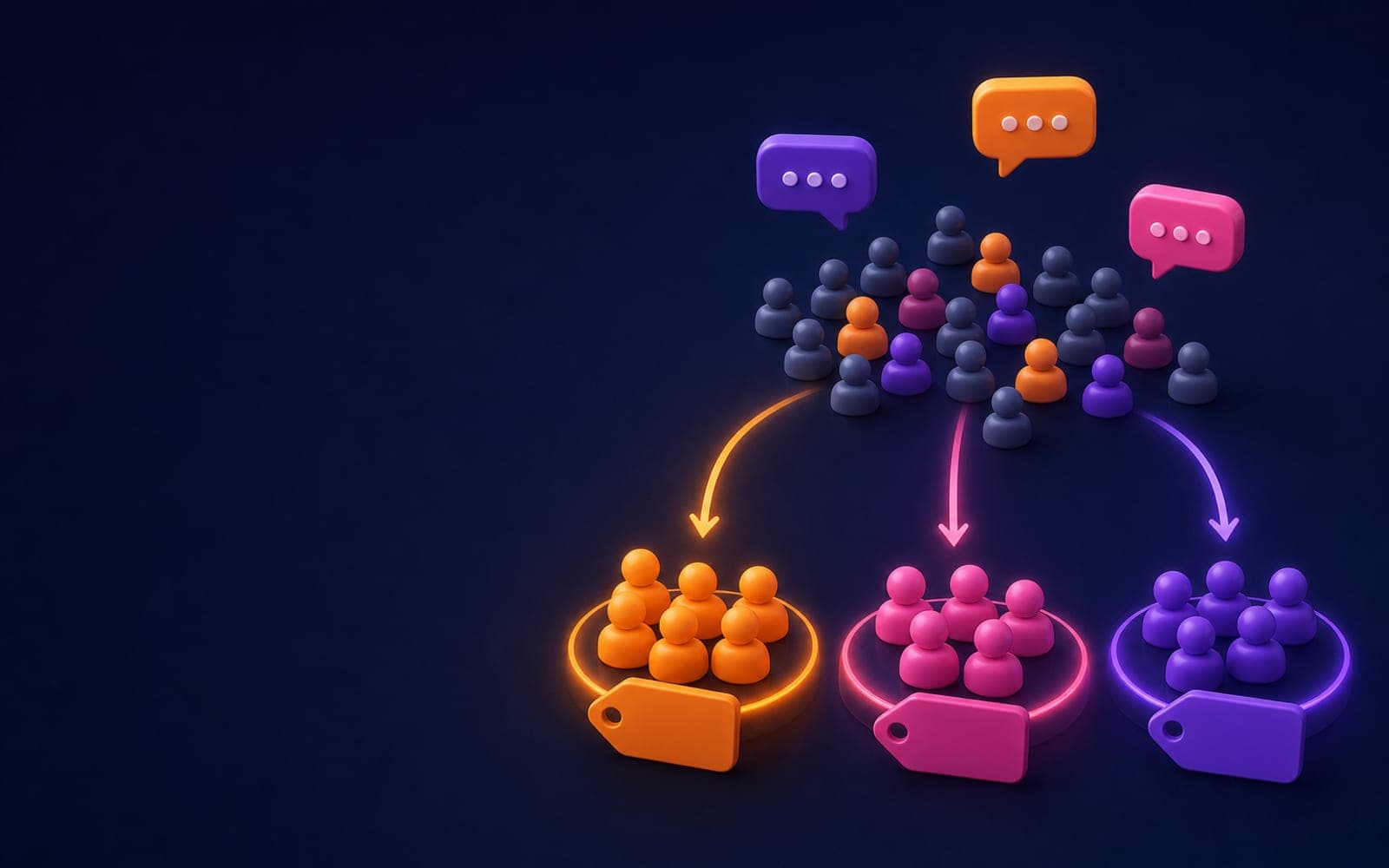
Every DM conversation tells you something about the person on the other end. They asked about prices, so they are shopping. They wanted the beginner guide, so they are new. They replied to the launch story, so they are interested in the course. Most of that information is lost the moment the conversation scrolls away.
Tags keep it. A tag is a label attached to a contact, and in a DM flow you can add one automatically at exactly the moment someone tells you who they are.
Adding tags in a flow
The Tag User node adds a tag to the contact who is going through the flow. Type a tag name; if it does not exist yet, it is created. Running the node twice for the same person does nothing extra, so you can place it anywhere without worrying about duplicates.
Tags show up next to each contact in Contacts, so you can see at a glance who is who.
Branching on tags
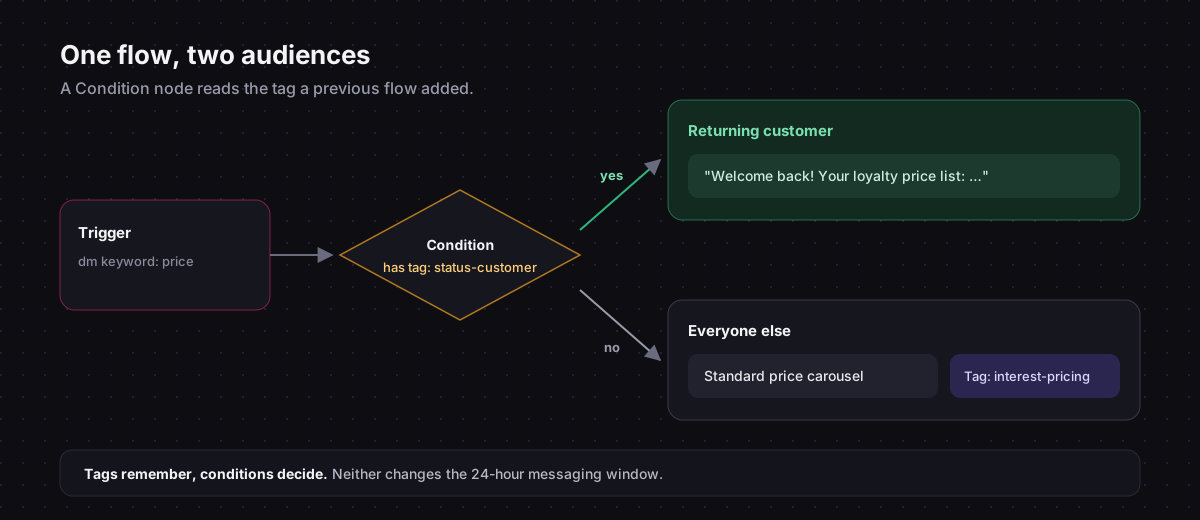
Tags become powerful when a later flow reads them. The Condition node can check whether the contact has a tag, and send them down a yes or a no path.
That lets one flow treat people differently based on what they did before:
- A returning customer who asks about prices gets a thank-you and the loyalty offer; a first-timer gets the standard price list.
- Someone already tagged
guide-sentwho comments the keyword again gets "Here it is again" instead of the full introduction. - A contact tagged
vipgets a message saying a person will reply shortly.
The same Condition node can also check the text that started the flow: whether it contains, equals or starts with a value. That covers cases like "if the message mentions 'wholesale', go to the B2B path".
A tagging scheme that stays useful
Tags get messy fast. A few conventions keep them readable a year from now:
Use prefixes by type.
interest-for what they asked about:interest-pricing,interest-wholesalelevel-for where they are:level-beginner,level-advancedsource-for how they found you:source-reel-12,source-storystatus-for where they are with you:status-customer,status-vip
Keep names lowercase with hyphens. Interest Pricing, interest_pricing and interest-pricing are three different tags to a computer.
Tag facts, not guesses. Tag someone interest-pricing because they tapped "Prices", not because they seemed interested.
Write the list down. A short document with every tag and what it means saves your team from inventing near-duplicates.
Where the tag information comes from
The best tagging moments are the ones where the person makes a choice:
- A quick reply tap. "Are you a beginner or advanced?" with two options, each connected to its own keyword flow that tags accordingly. Instagram quick replies make this effortless.
- The keyword they used. Someone who commented
WHOLESALEhas told you somethingGUIDEdid not. - The post or story they came from. Tag with the campaign at the start of each campaign flow.
- A split test path, so you know which version each person saw. See A/B testing your DM flows.
What tags cannot do
Tags do not let you message people whenever you want. Instagram only delivers automated messages within 24 hours of the person's last message, whatever their tags say. Tags make your replies smarter when people come back; they are not a mailing list.
If you want to reach a segment later, use the DM to move them somewhere you can: an email signup, a community, a waitlist form.
A starter set
If you are starting from zero, these five tags cover most accounts:
status-customer, added when someone confirms a purchaseinterest-pricing, from the price menu optionlevel-beginnerandlevel-advanced, from a quick-reply questionsource-plus the campaign name, at the start of each campaign flowneeds-human, when someone asks for a person
Tag User and Condition nodes, keyword triggers and quick replies in one visual editor, on the official Instagram API.