AI chatbot for Instagram and Facebook Messenger DMs: how to set one up
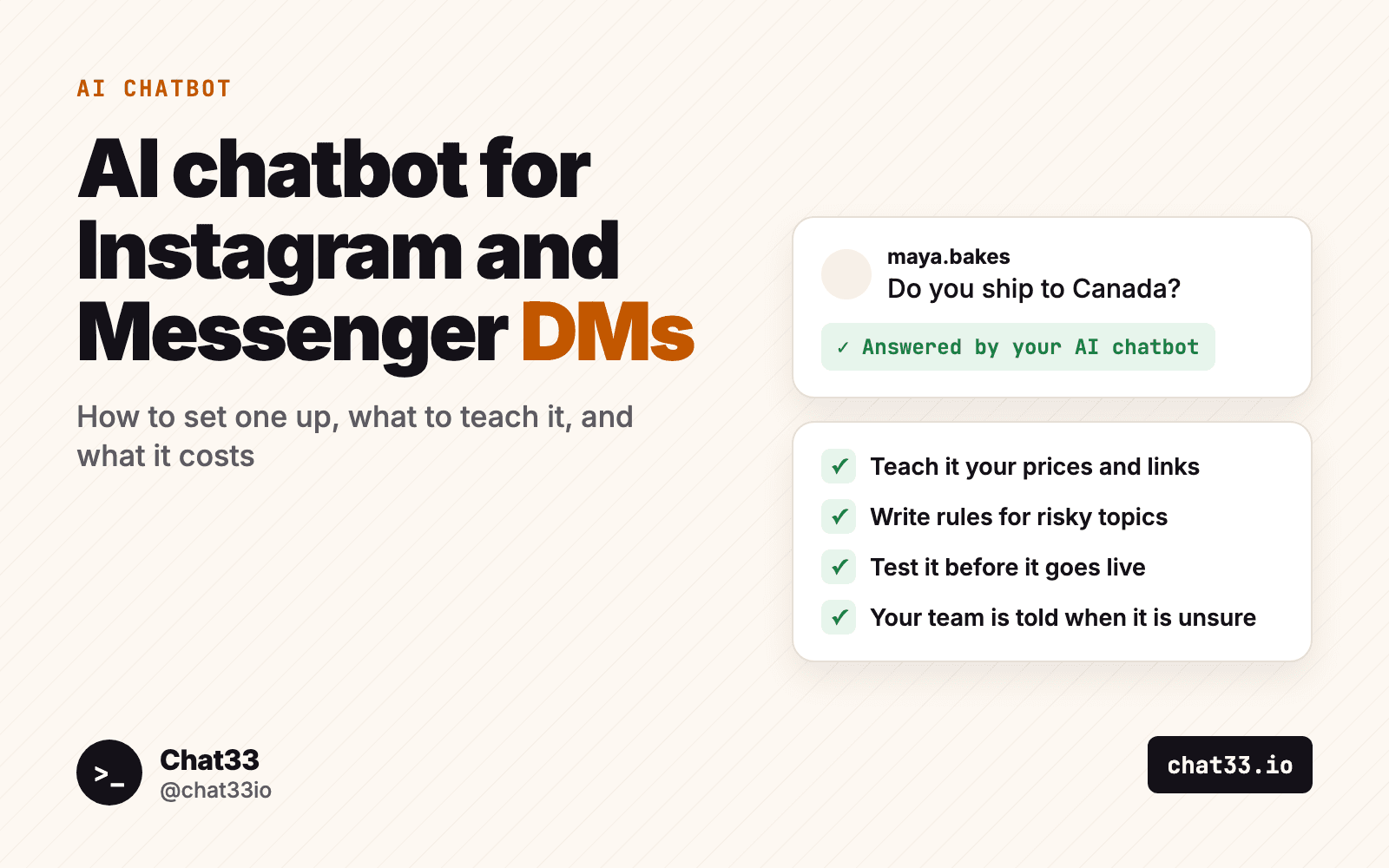
The same questions arrive in your DMs every day. Do you ship to Canada? How much is the large one? Are you open on Sunday? A keyword flow answers the person who types the exact word. It has nothing for the person who asks in their own words at 11 pm.
An AI chatbot fills that gap. In Chat33 it answers Instagram and Facebook Messenger DMs from knowledge you write, and tells your team when a question is beyond it.
This guide covers what an AI chatbot in DMs is good for and what it is not, how to set one up step by step, how to keep it from saying things it should not, and what it costs.
In short:
- An AI chatbot answers DMs on Instagram and Facebook Messenger from the knowledge and rules you give it, and nothing else.
- When it does not know, it says so, tells your team once and keeps helping with other questions.
- When a person from your team answers, it steps back for 24 hours.
- You pay per answer from prepaid Credits: about 100 answers per $1 with a typical amount of knowledge. It works on every plan, Free included.
What an AI chatbot in DMs is good for, and what it is not
| Good for | Not for |
|---|---|
| Questions with a known answer: prices, delivery, returns, opening hours | Complaints, refunds and upset customers. A person should take those |
| People who ask in their own words instead of a keyword | Anything you have not written down. It answers from your knowledge only |
| Questions that arrive at night and at weekends | Taking payments inside the chat |
| Sending the right link for the question | Comments under posts, WhatsApp or TikTok. It works in Instagram and Messenger DMs |
| Saving an email or phone number the person gives | Replacing your team. It takes the routine questions and hands the rest to people |
An AI chatbot does not replace keyword flows either. A keyword flow sends exactly the message you wrote, every time, which is what you want for a guide link or a discount code. Instagram keyword triggers explains how to pick those words. The AI chatbot is for what comes next: the questions you cannot predict word for word.
The general page is AI chatbot for DMs, and there is one each for Instagram and Facebook Messenger.
How to set one up in Chat33
The examples below use an imaginary shop, Juniper Candles, that sells soy candles online and from a small studio.
1. Create it
Open AI chatbot in the Chat33 menu. Every answer is paid from Credits, so your workspace needs Credits before you create your first one. Packs start at $10 and you do not need a paid plan.
Give it a name and a Tone, for example "Friendly, direct, no emojis".
You can create several chatbots in one workspace, for example one per product line or brand. What all of them should know about the business goes in the Brand profile tab, so you write it once.
2. Teach it
The AI chatbot answers only from the Knowledge field and your Brand profile. If a fact is not written there, it does not know it. That is the point: it cannot quote a price you never gave it.
Here is the Knowledge for Juniper Candles:
- Products and prices: soy candles in three sizes. Small $14, medium $22, large $34. A gift set of three small candles is $38.
- Delivery: we ship to the US and Canada. Orders leave within 2 working days. Shipping is $5, free over $50.
- Returns: unused candles can be returned within 30 days. Returns start at
https://yourshop.com/returns.- Studio shop: open Tuesday to Saturday, 10 am to 6 pm.
- Links: all candles at
https://yourshop.com/shop, gift sets athttps://yourshop.com/gifts.- Common question: are the candles scented? Yes, with essential oils. Each product page lists the scent.
What to put in: what you sell, prices, delivery, returns, opening hours, the links people ask for, and the questions you answer most often with their answers.
What to leave out:
- Anything that changes every week, such as stock levels or this week's offer. Old knowledge turns into wrong answers.
- Internal information: supplier prices, staff notes, anything you would not say to a customer.
- Whole pages pasted in as they are. The AI chatbot reads all of its knowledge for every answer, so long knowledge costs more per answer.
If you already have a website, you can import a first draft of the knowledge from it. Treat it as a draft: read it through and fix what is wrong before you save.
3. Write the rules
Rules say what the AI chatbot should and should not talk about. Write them as short, direct sentences. For Juniper Candles:
- Never promise a delivery date. Say that orders leave within 2 working days.
- Do not offer discounts or codes.
- For damaged items, order problems and refunds, say that a person from the team will answer.
- Do not give advice about allergies or health.
- Send wholesale questions to
https://yourshop.com/wholesale.
Then choose the answer length. Short answers suit DMs, and they leave less room for the AI chatbot to wander.
4. Test it in the test chat
The test chat is on the same page. Write as a customer would. Nothing is sent to anyone.
Try at least these five:
- A question the knowledge answers ("How much is the large candle?").
- A question it does not answer ("Do you ship to Germany?").
- Something a rule forbids ("Can I get a discount?").
- An upset customer ("My candle arrived broken").
- "Am I talking to a real person?"
When an answer is wrong, fix the Knowledge or the Rules and ask again. Go live when all five come out the way you would have written them.
5. Switch it on
There are two ways, and you can use both.
In a flow. Add the step Let an AI chatbot answer to a flow: after a keyword, after a comment-to-DM, or in a welcome flow. Someone comments CANDLE, gets the DM with the link, and the AI chatbot answers the questions that follow. If you have not built such a flow yet, start with the comment-to-DM guide or the welcome message guide.
For the whole account. Switch on AI answers all DMs for an account. The AI chatbot then answers every DM that no keyword flow and no welcome flow answers.
A flow is the narrower start: the AI chatbot only talks to people who came in through one post or one keyword. Move to "AI answers all DMs" when you trust what you read.
On Facebook, the "Let an AI chatbot answer" step is not available after a comment yet. It works in Messenger conversations, and after a comment on Instagram.
How a conversation runs
- A conversation has up to 10 answers by default. You can set it anywhere from 1 to 30.
- It ends after 24 hours of silence.
- You can switch on one follow-up, sent 20 to 23 hours after the person's last message. That keeps it inside the 24-hour messaging window.
- One person gets at most 40 answers a day. That limit is ours, and it protects your Credits from someone who keeps the chat going for fun.
The AI chatbot can also save an email or phone number the person gives, add them to your leads, tag them and write a short summary of the conversation. Each of these can be switched off.
What happens when it does not know
This is the part most people worry about, so here is exactly what happens.
- It tells the person that it cannot answer that, in the person's language.
- It tells your team: a push notification, and a "Needs human" tag on the conversation. This happens once per conversation, not for every message.
- It keeps helping. If the person asks something else that the knowledge covers, they get an answer.
When a person from your team answers, from the Chat33 inbox or from the Facebook Page, the AI chatbot steps back for 24 hours, so two voices never talk over each other.
For Juniper Candles, "Do you ship to Germany?" ends like this: the AI chatbot says it cannot confirm that and that the team will get back to them, the owner gets a notification, and she answers from the inbox the next morning.
How to keep it from saying things it should not
No setting makes an AI perfect, so the goal is to leave it little room for mistakes.
- Keep the knowledge exact. It answers from what you wrote. A vague sentence in the knowledge becomes a vague answer in the DM.
- Write rules for the risky topics. Delivery dates, discounts, refunds, health and legal questions. One sentence each.
- Choose short answers. A short answer is easier to get right than a long one.
- Leave the "say it is an AI" switch on. When someone asks, it says that it is an AI. People forgive an AI that says so. They do not forgive one that pretended.
- Update the knowledge when something changes. A new price or a new return policy goes into the Knowledge the same day.
- Read the first conversations. In the first week, open the inbox and read what it wrote. Every answer you would have written differently is a line to add to the Knowledge or the Rules.
What it costs, and how to keep the cost down
The AI chatbot is paid per answer from Credits. An answer costs about a cent or less, so $1 pays for about 100 answers with a typical amount of knowledge.
Credits are prepaid. You buy them in packs from $10 to $100, they never expire, and the same Credits also pay for X posts and storage. The AI chatbot works on every plan, Free included, and needs no subscription of its own. The limits of your plan still apply, and every person the AI chatbot answers counts as an active contact. The pricing page lists what each plan includes.
Three ways to keep the cost down:
- Shorter knowledge. Longer knowledge costs more per answer. Cut what nobody asks about.
- A monthly limit. Each AI chatbot can have its own monthly spend limit. It is optional, and worth setting when you start.
- Fewer answers per conversation. If your questions are simple, lower the number from 10.
The Usage tab shows what was spent, how many answers were given and to how many people, for each AI chatbot and for each day, with the latest calls listed one by one.
FAQ
Does the AI chatbot work on WhatsApp or TikTok?
No. It works in Instagram DMs and Facebook Messenger.
Can it answer comments under my posts?
No, it answers DMs. A comment can start a flow that sends a DM, and the AI chatbot can be the next step in that flow. After a Facebook comment that step is not available yet.
Do I need a paid plan?
No. It works on every plan, including Free. You need Credits, because every answer is paid from them.
Will it tell people it is an AI?
Yes, when they ask, as long as the switch for that is on.
What if my team wants to take over a conversation?
Just answer. A reply from the Chat33 inbox or from the Facebook Page makes the AI chatbot step back for 24 hours.
Should I still use keyword flows?
Yes. Keywords are the right tool for a fixed reply to a known request. The AI chatbot handles the open questions around them. Facebook Messenger marketing automation shows how the fixed flows fit together on Messenger.
Checklist before you switch it on
- Credits are in the workspace, and the AI chatbot has a monthly limit.
- The Knowledge has your prices, delivery, returns, opening hours and links, and nothing that will be out of date next week.
- The Rules cover delivery dates, discounts, refunds and anything else you never want promised.
- The answer length is short.
- The five test questions come out right in the test chat.
- Your team has notifications on and knows what the "Needs human" tag means.
- It runs in one flow first. "AI answers all DMs" comes after a week of reading its answers.
Teach it your prices, delivery and links, test it in the test chat, then let it answer in a flow or across all DMs. Paid per answer from Credits, on every plan.